
HTML Signature Max
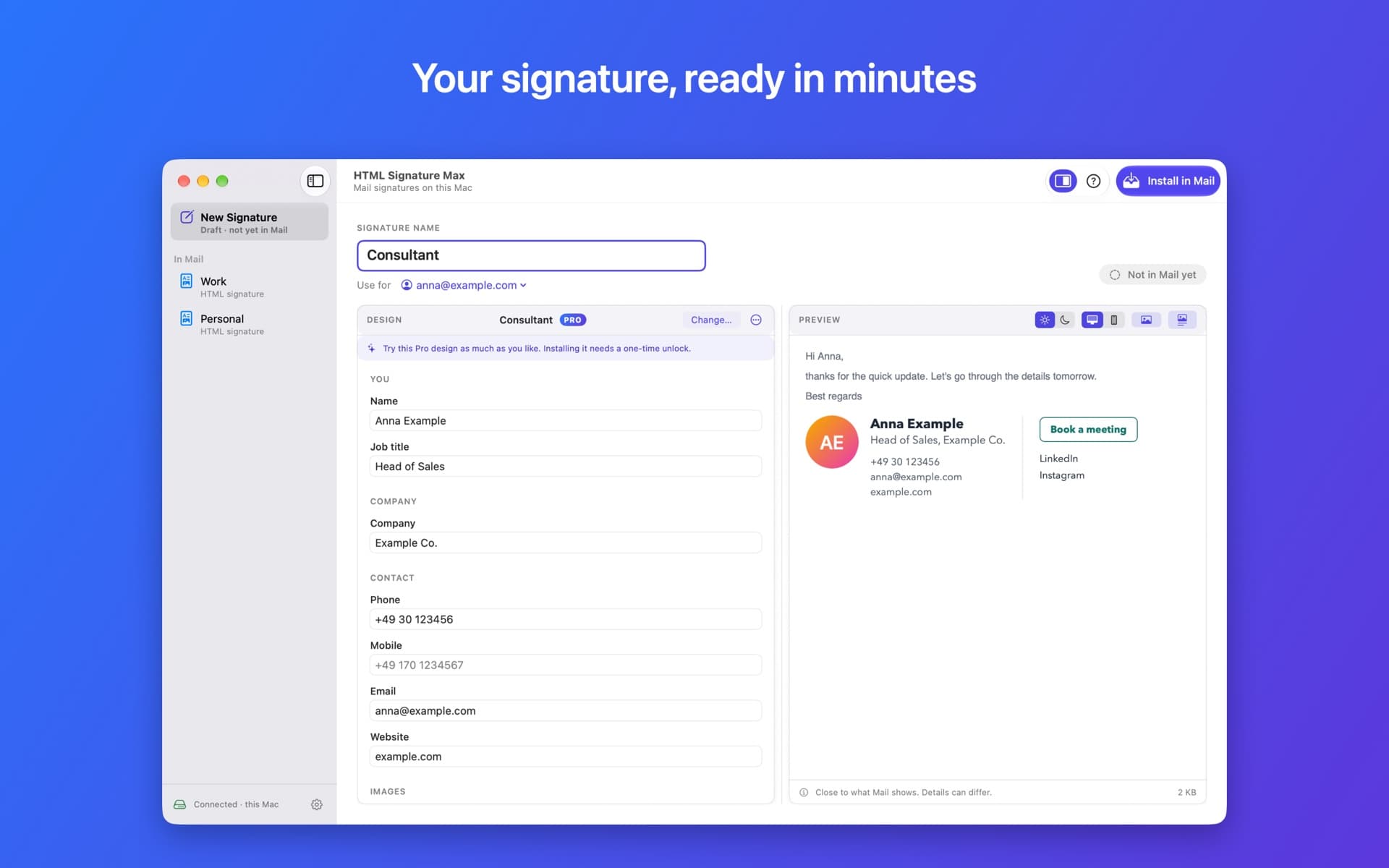
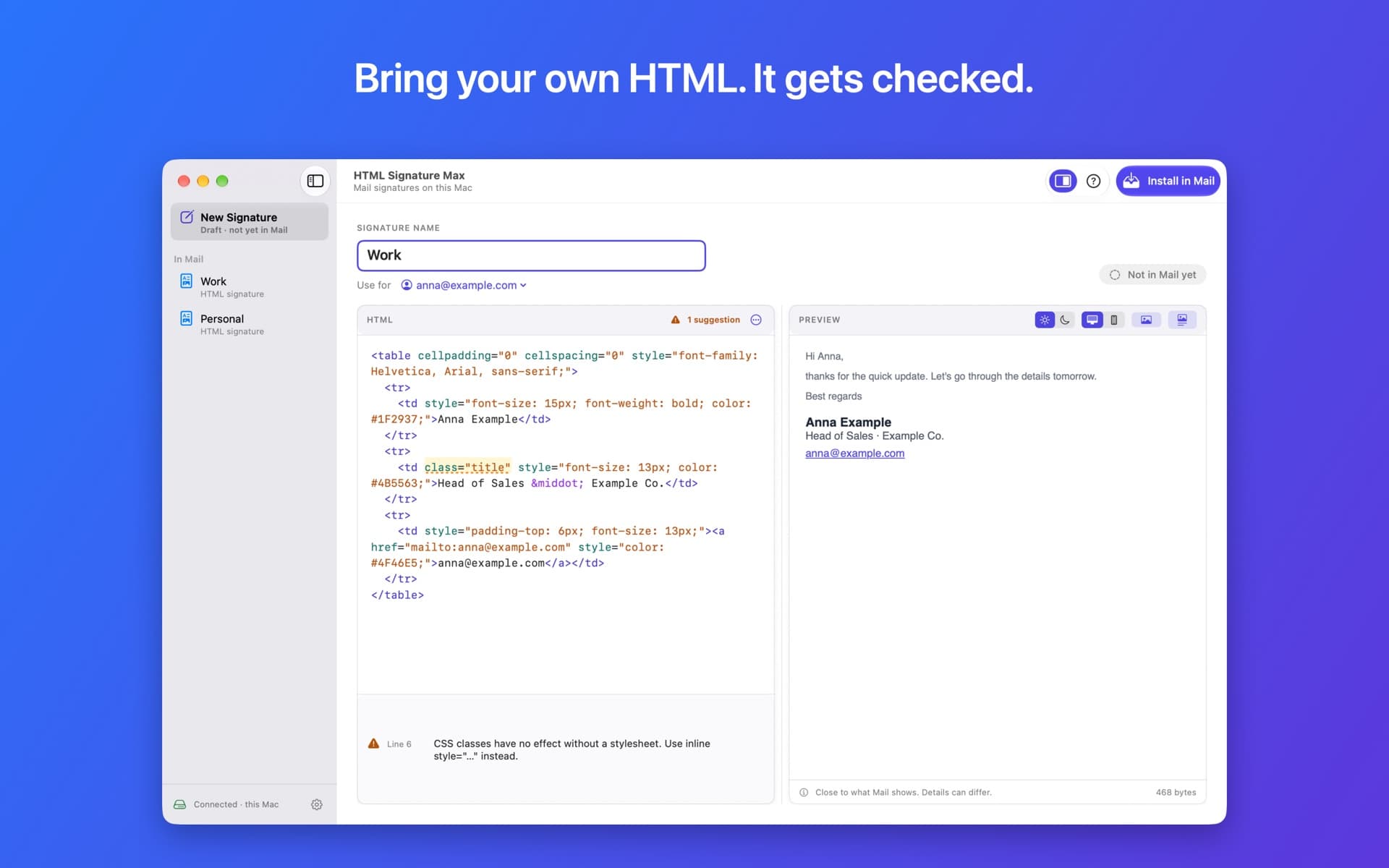
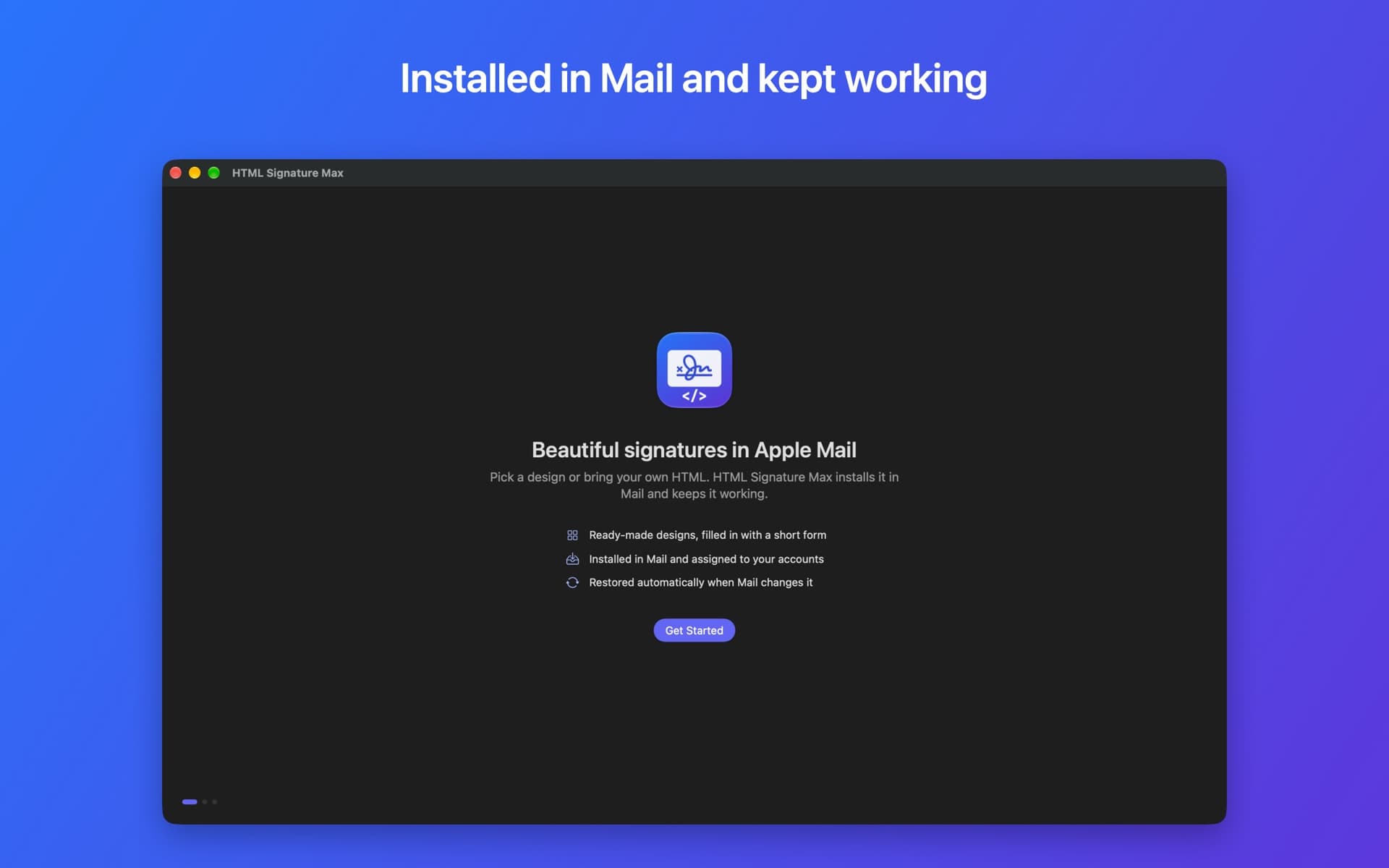
Professional email signatures for Mail on your Mac. Pick a design and fill in a short form, or paste the HTML you already have. The app installs the signature in Mail and keeps it working.
Screenshots
Your first signature is free
Free
No time limit
- One signature, with your own HTML or the Simple design
- All checks and previews
- Automatic restoring when Mail changes it
Pro
One-time purchase, no subscription
- Unlimited signatures
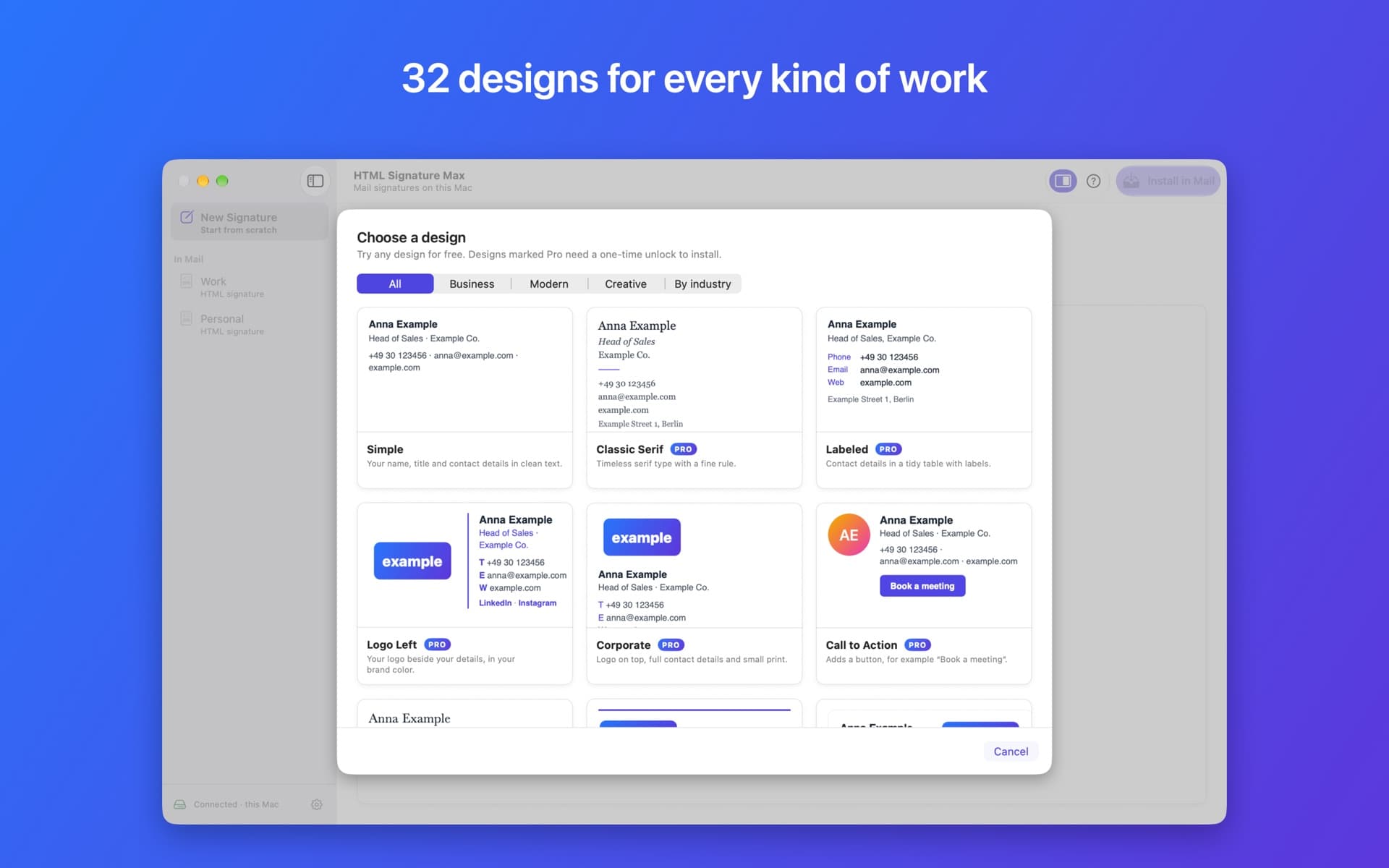
- All 32 designs, plus new ones in future updates
- Logos, photos, your colors, social links and buttons
Available in English, Arabic, Bangla, Chinese, French, German, Hindi, Indonesian, Portuguese, Russian, Spanish and Urdu. Your signatures stay on your Mac: privacy policy.
Help with HTML Signature Max
Getting started
- Open HTML Signature Max and click Connect. A window opens with Mail’s folder already selected: click Connect again.
- If Mail syncs your signatures with iCloud, the app asks for one more step. Your Home folder is selected: click Connect, then Allow when macOS asks about files managed by iCloud Drive.
- Pick a design or paste your HTML, give the signature a name and click Install in Mail.
- Quit Mail when the app asks (⌘Q). The app saves the signature and opens Mail again.
- In a new message, choose the signature from the Signature menu. To use it by default, open Mail ▸ Settings ▸ Signatures.
Questions
My signature doesn’t show up in Mail
Quit Mail completely (⌘Q) and open it again. Check that the signature is set for the right account: in HTML Signature Max, see “Use for” above the editor.
If Mail syncs signatures with iCloud, HTML Signature Max must be connected to iCloud too, or Mail removes the new signature when it starts. The bottom of the sidebar shows “Connected · this Mac + iCloud” when everything is set.
Images are missing
Mail’s Settings window often doesn’t show images; they appear when you write a message. If they don’t, turn off “Block All Remote Content” in Mail ▸ Settings ▸ Privacy.
Recipients can only see images from public https:// addresses, for example from your website. Share links from Dropbox, Google Drive, OneDrive or iCloud open a web page, not the image. HTML Signature Max checks the addresses you enter and tells you what to change.
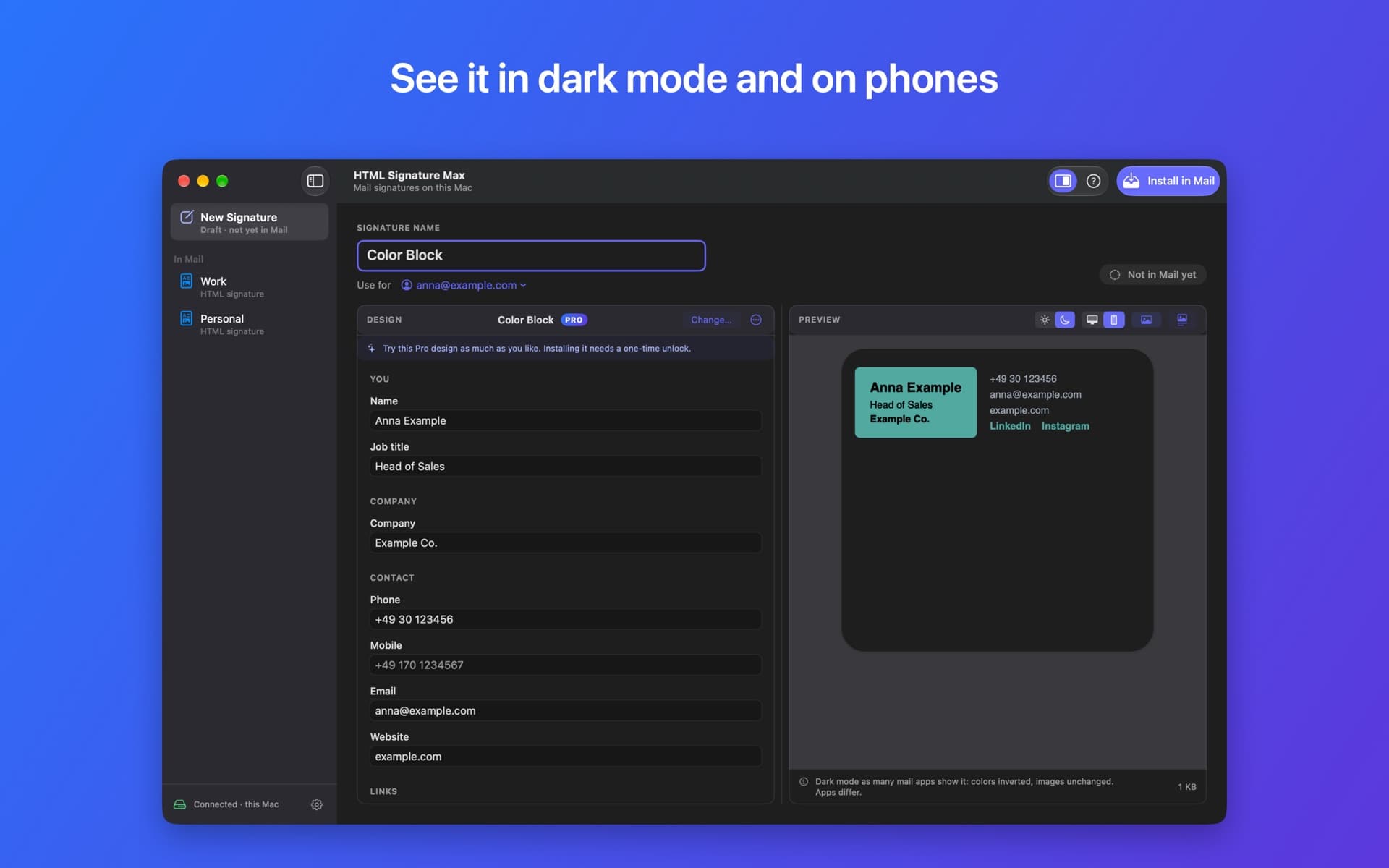
My logo disappears in dark mode
Many mail apps show messages on a dark background, where a dark logo on a transparent background becomes invisible. Check it with the preview’s dark mode button, then click Make Dark-Mode Safe… below the logo address: the app saves a copy of your logo on a white background, ready to upload.
I clicked “Don’t Allow” when macOS asked about iCloud Drive
macOS won’t ask again by itself. To get the question back, open Terminal, paste this command and press Return:
tccutil reset All com.julianburkardt.htmlsignatur
Then open HTML Signature Max again and click Connect iCloud….
Mail changed or removed my signature
While HTML Signature Max is open, it checks your signatures and restores the ones Mail changed. If a signature was removed in Mail, the app asks first, in case you deleted it on purpose.
Can I edit the signature in Mail?
Edit it in HTML Signature Max instead. Mail replaces the HTML with its own, simpler version when you edit a signature there. To prevent that, the app locks its signature files on Macs that don’t sync signatures with iCloud; you can turn this off in Settings.
How do I remove a signature?
In Mail, open Settings ▸ Signatures, select the signature and click –. HTML Signature Max keeps a copy of every file it changes; Settings ▸ Show Backups opens them.
What’s included for free?
One signature, made with your own HTML or the Simple design, with no time limit. Updating it and automatic restoring are free too. HTML Signature Max Pro is a one-time purchase that unlocks unlimited signatures and all designs with logos, photos, colors, social links and buttons. There is no subscription.
I bought Pro on another Mac
Open HTML Signature Max ▸ Settings and click Restore Purchases. Use the same Apple Account you bought Pro with.
Still stuck? Write to us. It helps to include a diagnostics report: in HTML Signature Max, choose Help ▸ Copy Diagnostics Report and paste it into your message. It contains no signature content and no email addresses.
Contact Support